
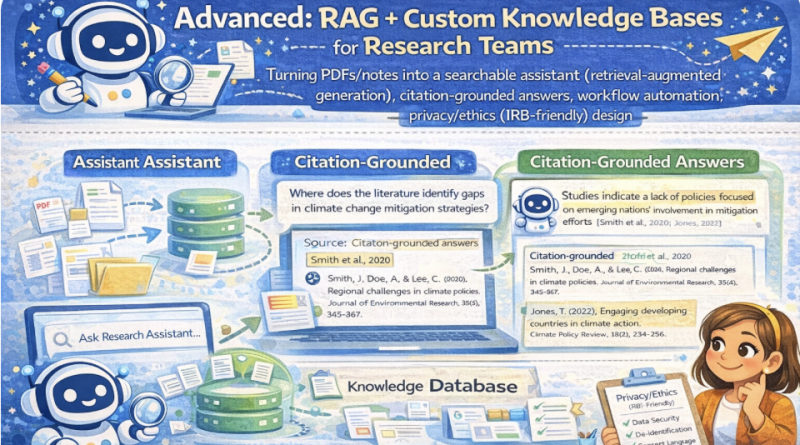
Advanced: RAG + Custom Knowledge Bases for Research Teams
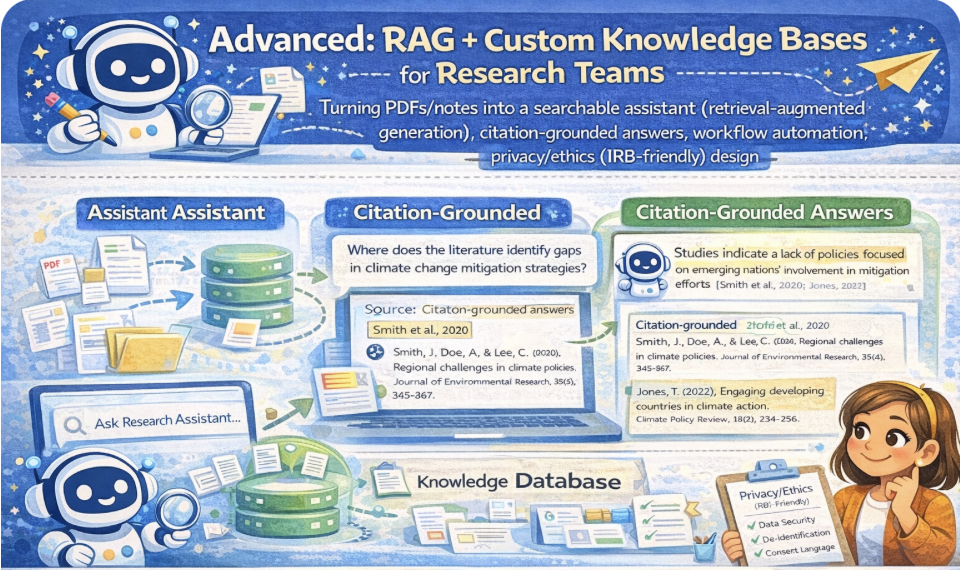
Advanced: RAG + Custom Knowledge Bases for Research Teams
Turn PDFs/notes into a searchable assistant using retrieval-augmented generation: retrieval → evidence → citation-grounded drafting. Includes workflow automation ideas and privacy/ethics (IRB-friendly) design principles.
Mic: Off
Tip: Best experience in Chrome/Edge. If voices don’t appear yet, click once on the page and wait 2–3 seconds.
1) Outcomes
By the end, you can…
- Explain the RAG pipeline: ingest → chunk → index → retrieve → cite → draft.
- Build a team knowledge base from PDFs/notes (as text) with consistent chunk IDs.
- Produce citation-grounded answers that point to the retrieved evidence.
- Design IRB-friendly safeguards: data minimization, access control, retention, and de-identification.
- Plan workflow automation: triage questions, track evidence, export logs, and audit trails.
Safety rules (IRB-friendly)
- Do not upload identifiable participant data to external tools without approval.
- Prefer local-only storage for prototypes; disclose what is stored and allow deletion.
- Ground every claim in evidence; if missing, label: INSUFFICIENT EVIDENCE.
- Keep an audit trail: tool version, prompts, retrieved chunks, and final edits.
RAG mindset: The assistant does not “know.” It retrieves evidence and drafts answers with citations.
2) Conversation (RAG System Designer)
Practice an implementation workflow: use-case → sources → chunking → retrieval → citation format → privacy controls → evaluation.
Tip: In a team KB, define “source of truth” (publisher PDF? internal protocol? meeting notes?) and enforce it.
3) Reading + Comprehension Quiz
Reading: What RAG is (and why it matters for research teams)
1 RAG (retrieval-augmented generation) combines retrieval with drafting. Instead of answering from memory,
the system searches a knowledge base (PDFs, notes, protocols), retrieves the most relevant chunks, and writes an answer grounded in that evidence.
2 The most important rule is citation grounding: every major claim should point to the retrieved evidence.
If evidence is missing or ambiguous, the assistant must say so. This reduces hallucinations and strengthens academic integrity.
3 Building a knowledge base usually involves: ingesting documents, splitting into chunks, adding metadata (source, year, page),
indexing (keywords or embeddings), and supporting retrieval. Chunk quality and metadata consistency are critical for reliable citations.
4 Research teams also need workflow automation: question triage, evidence logging, citation checks, and version control.
A good system records what chunks were used to answer each question (audit trail).
5 Privacy/ethics matter. IRB-friendly design uses data minimization, de-identification, access control, retention policies, and transparency.
The system should store only what is necessary, and participants should understand what is collected and why (when applicable).
Comprehension check (choose the best answer)
4) RAG Toolkit (Pipeline, citations, evaluation, IRB-friendly safeguards)
RAG pipeline checklist
Citation grounding format
Evaluation plan (quality gates)
Privacy/ethics (IRB-friendly) checklist
Workflow automation ideas (team)
5) Prompts + Examples (Copy & Adapt)
These prompts force RAG behavior: retrieve evidence, cite chunks, and refuse unsupported claims.
Prompt 1 — Citation-grounded answering
Prompt 2 — Chunking + metadata plan
Prompt 3 — IRB/privacy impact assessment
Prompt 4 — Workflow automation spec
Mini example (expected output style)
6) Listening (Two Google Voices) — “Retrieve, then cite”
Listen to two instructors discussing RAG, citations, and IRB-friendly safeguards.
7) RAG Lab — Paste Notes/PDF Text → Chunk → Retrieve → Draft with Citations
Paste text from PDFs/notes (de-identified). The lab will create chunk IDs like [SRC1:C03].
Retrieval uses keyword scoring (client-side). You then draft an answer that cites the retrieved chunks.
A) Add source text (PDF/notes as plain text)
Tip: If from a PDF, paste the relevant section + include page numbers in metadata.
B) Chunking settings
Chunking guidance: smaller chunks = more precise citations; larger chunks = more context. Overlap helps prevent “lost sentences.”
C) Knowledge base status
0
Sources
0
Chunks
No knowledge base yet. Click “Build KB”.
D) Retrieve evidence
Retrieved chunks (evidence)
No search yet.
E) Citation-grounded answer draft
Draft is a structured template grounded in retrieved chunk IDs; you fill the final wording.
8) Problem-solving
Scenario: Your team wants a RAG assistant trained on interview protocols + internal notes.
The IRB asks: “How will you prevent privacy risk and hallucinated citations?”
Your task:
Your task:
- Write a pipeline spec (6–10 bullets): ingest → chunk → retrieve → cite → draft.
- List 4 privacy/ethics safeguards (IRB-friendly).
- Define 3 evaluation checks (citation accuracy, retrieval quality, refusal behavior).
- Draft a team workflow for question triage + audit trail (4–6 steps).
A) Pipeline spec (6–10 bullets)
B) Privacy/ethics safeguards (4 bullets)
C) Evaluation checks (3 bullets)
D) Team workflow (4–6 steps)
Progress
0
Activities completed
0%
Average score
0
Checklist items used
Saved locally in your browser (local storage).